
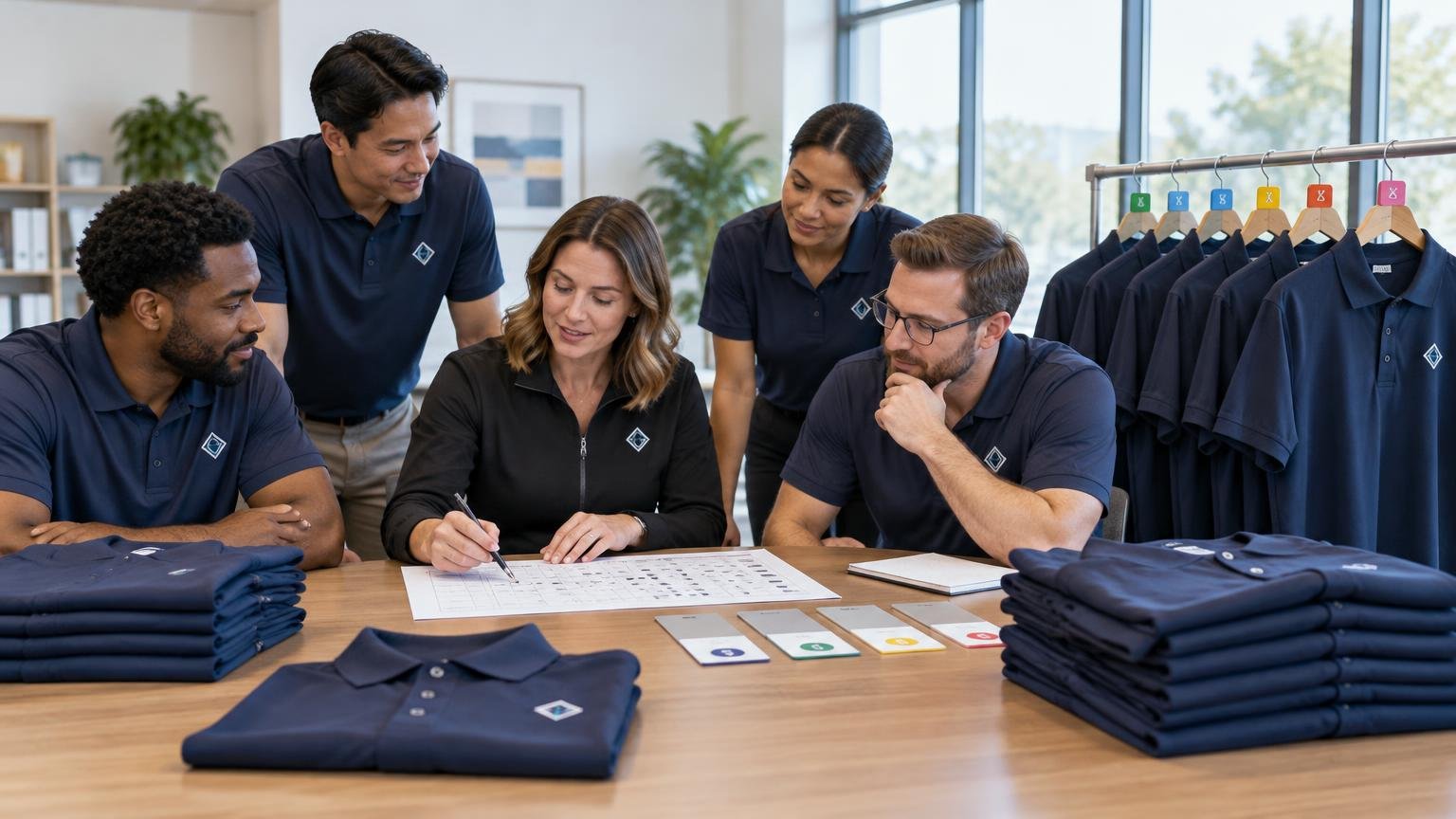
TLDR: Treat uniform size run planning as a controlled inventory process, not a quick count of small through 5XL. Lock the exact garment first, collect a confirmed selection for every wearer, keep different styles and fits separate, and distinguish assigned units from new-hire stock, replacement reserves, and usable inventory. Approve one version of the production sheet and preserve it as the starting point for every reorder.
A large uniform order can have the correct total quantity and still fail operationally. The wrong sizes may be concentrated in one department, employees may have selected from an unrelated chart, or spare stock may consist of sizes nobody can use. Effective uniform size run planning prevents those problems by connecting each unit to a wearer, a defined operational need, or a documented inventory category.
Start with the garment, not the size survey
Do not ask employees what shirt size they wear until the team has selected the actual garment. A person who wears a large in one polo may need a different size in a fitted shirt, unisex T-shirt, jacket, or work pant. Manufacturer materials distinguish among fit categories and provide style-specific size and product measurements, so a size label should not be treated as interchangeable across garments.
Create a garment specification for every item in the uniform kit. Fix the following details before releasing a sizing form:
- Wearer group, role, department, or location
- Manufacturer, exact style number or SKU, and garment description
- Approved color and any role-specific color variation
- Fit category, such as unisex, men's, women's, relaxed, or fitted
- Available size range for that exact style and color
- Quantity issued to each wearer
- Decoration method, artwork version, placement, and approximate dimensions
- Required delivery date and the person authorized to approve changes
If the program includes several garments, treat each as a separate sizing decision. A receptionist might select one size for a polo and another for a jacket. Combining both under a single “employee size” field hides that distinction and creates avoidable exchanges.
This specification also protects the decoration decision. A garment substitution can alter fabric, color, print behavior, embroidery stability, fit, or available sizes. If the artwork process has not been settled, compare the implications of DTG and DTF for employee shirts before approving the final garment, or review why an underbase can matter on dark uniform shirts.
Build one controlled employee sizing sheet
Use one employee-and-garment combination per row. If an employee receives two polos and one jacket, that person should have a polo row and a jacket row rather than one crowded cell. This makes it possible to filter, validate, aggregate, and reorder each item independently.
| Field | Purpose |
|---|---|
| Employee ID or name | Connects the selection and later issuance to the correct wearer. |
| Role and location | Supports role-specific kits and location-level distribution. |
| Garment SKU and color | Prevents similarly named products from being combined. |
| Fit category | Keeps different pattern blocks or fit families separate. |
| Selected size | Records the employee's confirmed choice for this exact item. |
| Quantity | Reflects the approved kit allocation. |
| Selection source | Notes whether the choice came from a fitting, chart, measurement, or approved prior issue. |
| Confirmation date | Shows when the employee or manager confirmed the selection. |
| Status | Flags confirmed, missing, exception, or manager review. |
| Notes | Captures approved accommodations or availability issues without exposing unnecessary personal details. |
Limit access to the working file. A uniform coordinator may need a size selection, but the wider team generally does not need to see every employee's measurements or fit-related notes. Give department managers a completion dashboard rather than distributing the full employee-level sheet.
Use one sizing method for the exact style
Fit samples are usually the clearest selection method when the order is large enough to justify the coordination. Include the styles and fit categories the team will actually receive, label every sample with its SKU and size, and provide a private place to try items on. Record the selected size immediately instead of relying on memory.
When samples are impractical, give employees the current manufacturer chart for the exact style or fit family. Explain whether it lists body measurements or finished-garment measurements. A body chart helps the wearer select a size from chest, waist, or other body dimensions. A finished-garment chart describes the physical item laid flat or measured according to the manufacturer's method. Those numbers are not interchangeable.
Use one documented measurement method for remote teams. SanMar, for example, provides a defined method for taking chest measurements, illustrating why instructions should specify where and how to measure rather than simply asking for a chest number. Recheck the current chart and product specification before each major order because garment availability, colors, specifications, and charts can change.
Validate selections before calculating totals
Do not aggregate the sheet as soon as most people have responded. Run a validation pass first. A missing employee can be harder to notice after individual records have been converted into totals.
- Compare the employee list with the sizing sheet and identify every missing selection.
- Confirm that each selected size is available in the approved style, color, and fit.
- Check that employees assigned multiple garment types selected each one separately.
- Verify that quantities match the kit policy for the employee's role.
- Flag selections imported from a different style or an old uniform program.
- Resolve discontinued colors, unavailable sizes, and fit exceptions before approval.
- Keep protective or safety-related apparel in a separate review path.
Send questionable selections back for confirmation rather than silently changing them. A coordinator may spot an unusual entry, but the coordinator should not assume it is wrong. Preserve the employee's original selection, the confirmed correction, the date, and the person authorizing the change.
Aggregate the confirmed base size run
Once every active wearer has a valid selection, total the confirmed quantities by SKU, color, fit category, size, and decoration version. Never merge two garments merely because both use labels such as medium or large.
The resulting base size run represents units assigned to known people. It is not yet the purchase quantity. Keep this base visible so managers can distinguish confirmed demand from planning assumptions added later.
| Quantity category | What it covers |
|---|---|
| Confirmed employee units | Approved quantities tied to current named wearers. |
| Planned-growth units | Kits for hires expected before the next practical order. |
| Unassigned spares | Stock held for exchanges, damage, loss, or urgent replacement. |
| Usable on-hand inventory | Correct, undecorated or appropriately decorated stock already available. |
| Final order quantity | Confirmed units plus planned growth and spares, minus usable inventory. |
Plan spares from operational demand, not a universal percentage
There is no single spare percentage that fits every organization. A stable office team with quick replenishment has a different requirement from a restaurant, healthcare operation, school, or field-service company with frequent onboarding and hard-wearing garments. Sector-specific programs may also need different role, laundering, and identification controls; see the planning considerations for restaurant staff uniform printing and healthcare staff apparel.
Build the reserve from identifiable needs: hires expected before the next order, historical exchange volume, typical loss or damage, supplier lead time, minimum-order constraints, and the usable stock already on hand. Allocate sizes using confirmed workforce data where practical, but review the smallest and largest sizes individually. A distribution based only on the middle of the range can leave new employees without a workable uniform.
For example, suppose 120 employees are each assigned two polos. The confirmed base is 240 units. If eight approved hires are expected and each needs two polos, growth demand adds 16. If prior issuance records justify a 12-unit replacement reserve and nine correct units remain in usable inventory, the illustrative order becomes 240 + 16 + 12 − 9 = 259 units. The reserve sizes still need to be chosen; the arithmetic alone does not create a complete size run.
Freeze and approve one production sheet
After validation and spare planning, freeze a dated version rather than continuing to edit the live collection form. The production sheet should show totals by exact garment variant and identify the source file or version from which those totals were calculated.
Require named approval for the SKU, color, fit category, size totals, decoration method, artwork version, placement, spelling, spare budget, and any substitution. If embroidery is being used, record the approved thread references so later orders do not depend on a visual guess; a repeatable thread color matching process can help establish that record.
Define who may approve substitutions before an availability problem occurs. A supplier should not have to guess whether a similar polo, alternate navy, different fit, or replacement fabric is acceptable. Material changes should return to the designated program owner for review because they can affect appearance, sizing, care, and reorder consistency.
Set onboarding, exchange, and replacement rules
Uniform planning continues after the initial order. Write down how a new hire receives a kit, how long an unworn item may be exchanged, who authorizes replacements, and what happens to returned garments. Separate ordinary fit exchanges from loss, damage, role changes, and normal wear so inventory records explain why units moved.
- Issue garments against an employee and date rather than reducing stock anonymously.
- Return exchangeable items to inventory only after checking condition, decoration, and current program compatibility.
- Define whether role-specific or personalized garments can be reassigned.
- Record replacements by reason to improve the next reserve calculation.
- State what must be returned when an employee changes roles or leaves.
- Set a reorder trigger by critical size or garment, not only by total units remaining.
Maintain a reorder master record
Store enough information to reproduce the approved result even if the original buyer, manager, or supplier contact changes. The master record should include garment manufacturer and SKU, color, fit category, current chart, size run, care instructions, artwork files, decoration method, placement dimensions, proof approvals, quantities received and issued, remaining inventory, substitutions, and production notes.
Retain the manufacturer's care information and communicate it with the uniform program. The FTC's Care Labeling Rule requires covered apparel manufacturers and importers to provide regular-care instructions and relevant warnings. The FTC's Care Labeling Rule explains those requirements. Keeping the applicable instructions with the garment record helps managers communicate care expectations and compare a proposed replacement with the established item.
Review the master record on a recurring schedule and before every significant reorder. Check current headcount, hiring plans, stock by size, replacement history, garment availability, chart revisions, and whether the approved decoration can still be reproduced. Record any change as a new version instead of overwriting the history.
Keep PPE decisions outside the ordinary uniform workflow
An employee-identification polo and an item relied upon for workplace protection are not the same purchasing decision. For general-industry PPE, OSHA requires employers to assess workplace hazards, select equipment that protects affected employees, and ensure that the selected PPE properly fits each affected employee. OSHA's general PPE requirements should be consulted when protective equipment is involved. OSHA guidance also distinguishes ordinary uniforms used for employee identification from PPE.
If a garment is intended to provide visibility, flame resistance, chemical protection, or another safety function, do not treat the standard size-run spreadsheet as the complete selection process. Route it through the employer's hazard assessment, applicable standard, compatibility review, and proper-fit process. The uniform sheet can record issuance, but it cannot determine which protection is required.
Final uniform size run planning checklist
- Lock every garment SKU, color, fit, decoration, and kit quantity.
- Collect a selection for each employee and each garment type.
- Use samples or the current chart for the exact approved item.
- Validate missing, unavailable, conflicting, and exceptional selections.
- Aggregate confirmed units without combining different garment variants.
- Add planned hires and evidence-based replacement reserves separately.
- Subtract only inventory that is usable for the same program.
- Freeze a dated production sheet and obtain named approval.
- Document onboarding, exchanges, replacements, and departures.
- Preserve specifications, care information, artwork, proofs, issuance, and inventory records.
- Review safety-related garments through the appropriate PPE process.
The best next step is to create the controlled sizing sheet before sending a survey to employees. Once the garment specification, row structure, approval owner, and inventory categories are fixed, the size run becomes more than an order total: it becomes a repeatable system for outfitting current staff, onboarding new people, handling replacements, and keeping future uniform orders consistent.